Shadow DOM and iFrames
Two words that make Selenium testers groan: Shadow DOM and iFrames.
- Shadow DOM elements are invisible to standard selectors.
- iFrames require
switch_to.frame()andswitch_to.default_content()— scattered across the whole code base.
Both are technical NOISE. The tester should not notice any of it. A button is a button — whether it sits in the main DOM, inside a Shadow Root or behind an iFrame. The user clicks it the same way, so the test should address it the same way.
Shadow DOM
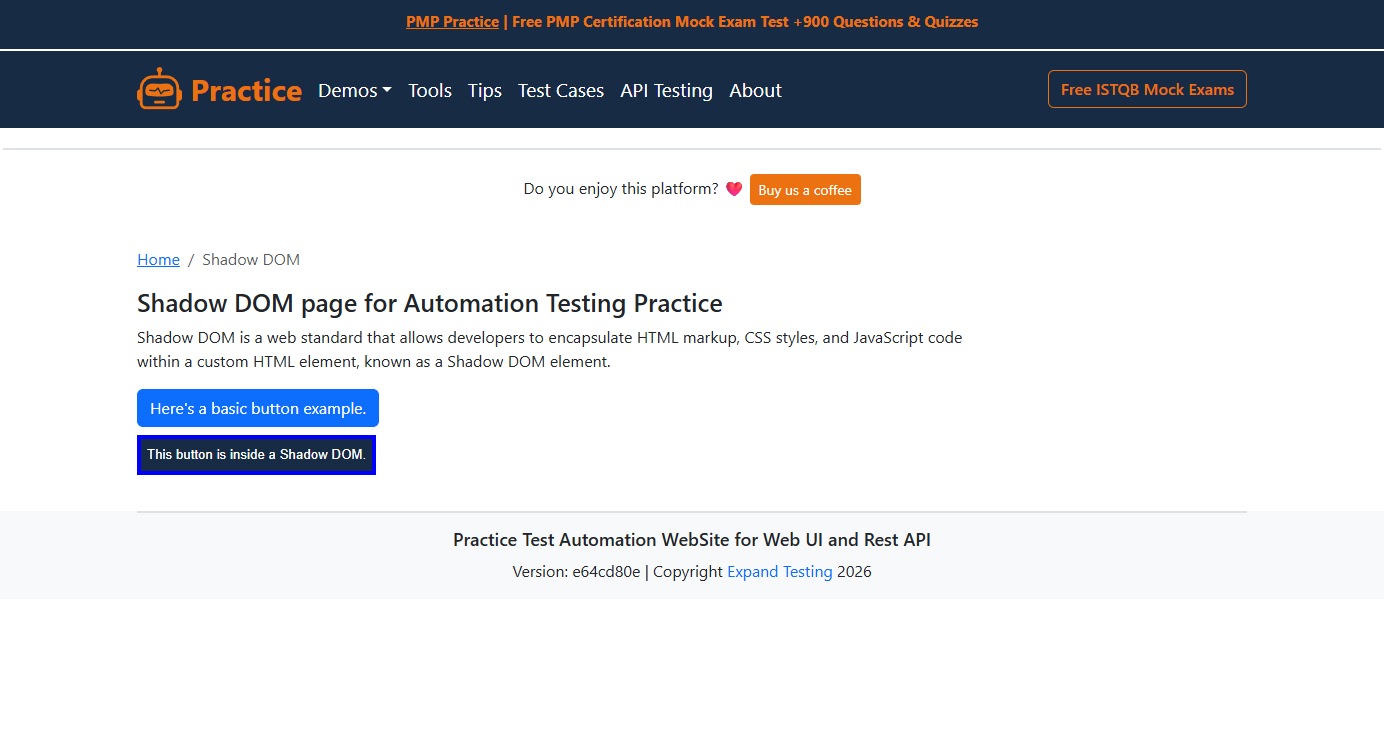
The Test
Normaler Button Hat Text
    VerifyValue    NormalerButton    Here's a basic button example.

Shadow Button Existiert
    VerifyExists    ShadowButton    YES

Shadow Button Hat Text
    VerifyValue    ShadowButton    This button is inside a Shadow DOM.
Two buttons, the same keyword. The test does not know that one of them
lives inside a Shadow Root — both even have the same id=my-btn.
The YAML
# locators/ShadowDomPage.yaml (excerpt)
NormalerButton:
  class: okw_web_selenium.widgets.webse_button.WebSe_Button
  locator: { id: my-btn }

ShadowButton:
  class: okw_web_selenium.widgets.webse_button.WebSe_Button
  shadow_host: { css: '#shadow-host' }
  locator: { css: '#my-btn' }
One extra line: shadow_host. OKW navigates through the Shadow Root
automatically (Selenium 4 shadow_root API). Nested Shadow Roots are
given as a list:
CSS only inside Shadow DOM
Only CSS selectors work inside a Shadow DOM. This is not an OKW
limitation but a browser limitation: XPath (document.evaluate())
does not accept a Shadow Root as context node. OKW validates this and
reports a clear error if XPath is used by mistake.
iFrames
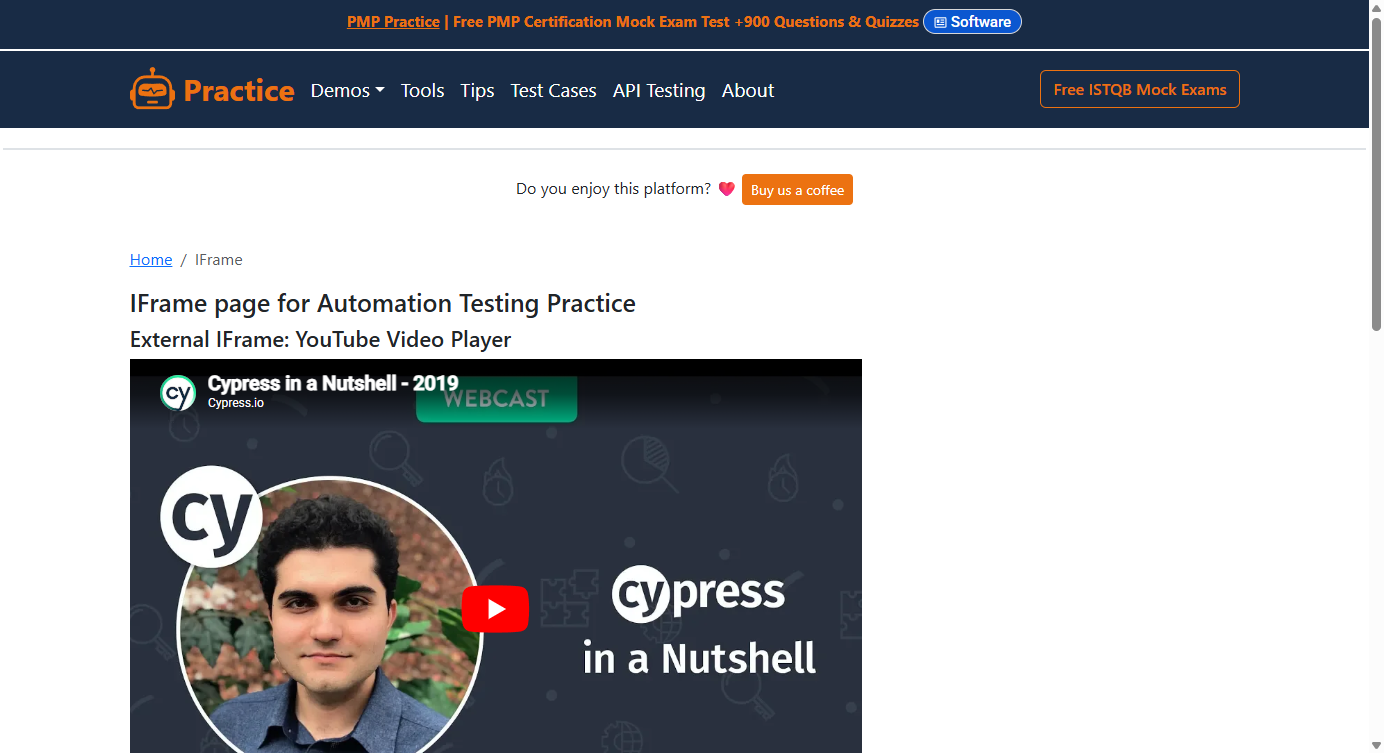
The Test
Email Abonnieren Erfolgreich
    SetValue       EmailEingabe        test@example.com
    ClickOn        AbonnierenButton
    VerifyValue    Erfolgsmeldung      You are now subscribed!

Zwischen Zwei IFrames Wechseln
    VerifyValue       AbonnierenButton    Subscribe
    VerifyValueWCM    EditorBody          *content goes here*
    VerifyValueWCM    IFrameUeberschrift  *inbox*
Several iFrames in sequence — no switch_to.frame(), no
switch_to.default_content(). OKW tracks the active frame and switches
automatically.
The YAML
# locators/IFramePage.yaml (excerpt)
# Main page (no iframe)
Seitentitel:
  class: okw_web_selenium.widgets.webse_label.WebSe_Label
  locator: { xpath: '//h1' }

# Inside the email subscribe iframe
EmailEingabe:
  class: okw_web_selenium.widgets.webse_textfield.WebSe_TextField
  iframe: { id: email-subscribe }
  locator: { id: email }

AbonnierenButton:
  class: okw_web_selenium.widgets.webse_button.WebSe_Button
  iframe: { id: email-subscribe }
  locator: { id: btn-subscribe }

# Inside the TinyMCE editor iframe
EditorBody:
  class: okw_web_selenium.widgets.webse_label.WebSe_Label
  iframe: { id: mce_0_ifr }
  locator: { id: tinymce }
Again one extra line: iframe. The adapter does the rest:
- Element on the main page? → ensure
default_content() - Element in iframe A? → switch to A and stay there
- Next element in iframe B? → switch to B automatically
- Back to the main page? → switch to
default_content()
Rules:
iframeaccepts the same locator strategies aslocator(css, xpath, id, ...). Unlike Shadow DOM, there is no CSS-only restriction.- Nested iFrames (frame inside a frame) are not supported.
- If two consecutive widgets use the same iFrame, the adapter switches only once.
The Pattern
| Feature | YAML key | Test code change | Selectors |
|---|---|---|---|
| Shadow DOM | shadow_host: { css: '...' } |
None | CSS only |
| iFrame | iframe: { id: '...' } |
None | CSS + XPath |
The information about the isolation boundary lives in YAML. The test stays clean. The adapter switches transparently.
This is what driver-agnostic means: technical details belong in the locator definition, not in the test logic.
Runnable Examples
| Example | File |
|---|---|
| Shadow DOM | selenium/expandtesting/tests/ShadowDom.robot |
| iFrames | selenium/expandtesting/tests/IFrame.robot |