Hover
Some elements only appear when the mouse moves over them: tooltips, profile overlays, dropdown menus, action buttons on cards. Selenium handles this with ActionChains:
In a test suite, however, the right element must be determined first. If there are three user cards that each reveal different information on hover, the test must pick the right card, hover, and then verify the right content.
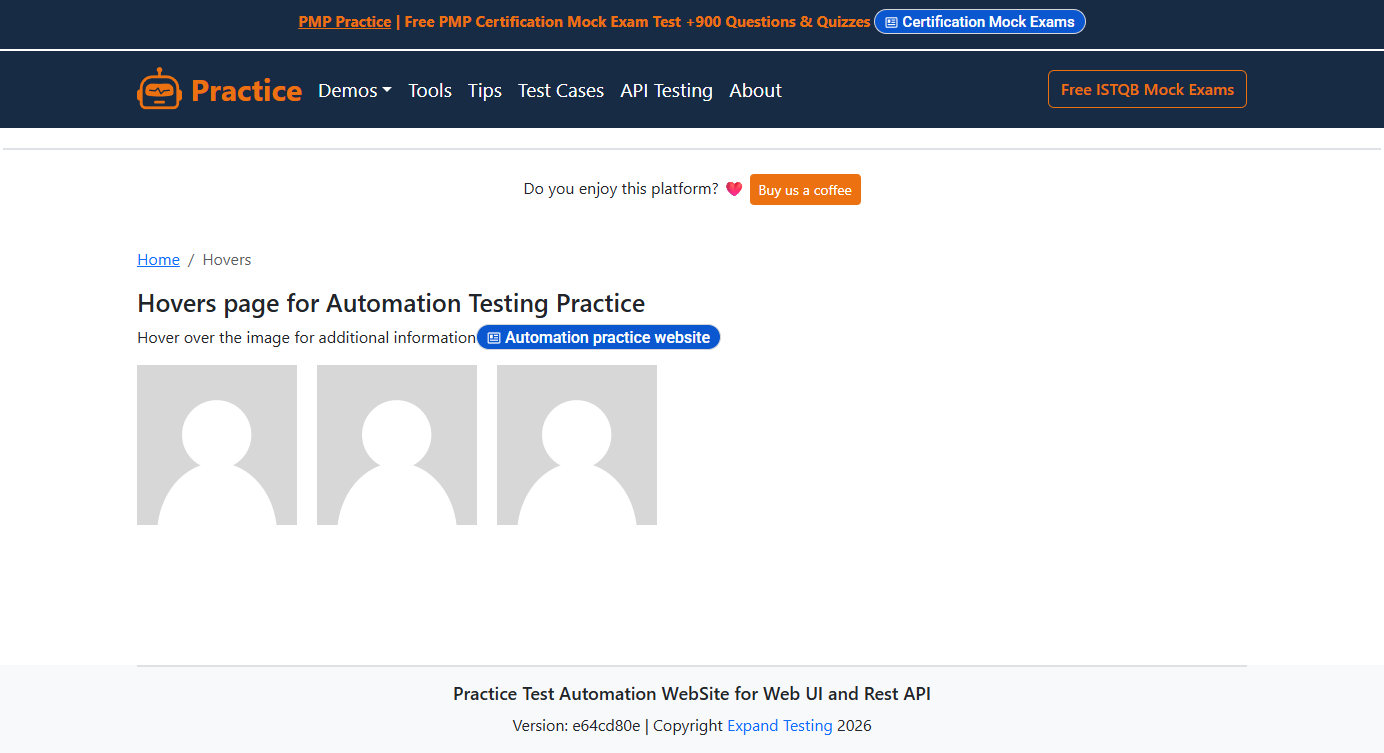
The Test
MoveOver zeigt User1 Info
    OnFailNOISE    SetContext      UserCard    user1
    MoveOver        Avatar
    VerifyValueWCM  Benutzername    *user1*

MoveOver zeigt User2 Info
    OnFailNOISE    SetContext      UserCard    user2
    MoveOver        Avatar
    VerifyValueWCM  Benutzername    *user2*

MoveOver ProfilLink wird sichtbar
    OnFailNOISE    SetContext      UserCard    user1
    MoveOver        Avatar
    VerifyExists     ProfilLink    YES
SetContext selects the card. MoveOver triggers the hover.
VerifyValueWCM checks the revealed content. VerifyExists confirms
that the hidden link has appeared.
Same keywords, different context — three user cards with zero code duplication.
The YAML
# locators/HoversPage.yaml (excerpt)
UserCard:
  __context__:
    locator: { xpath: '//div[@class="figure"][.//h5[contains(text(),"{UserName}")]]' }
  Avatar:
    class: okw_web_selenium.widgets.webse_label.WebSe_Label
    locator: { xpath: './/img[@alt="User Avatar"]' }
  Benutzername:
    class: okw_web_selenium.widgets.webse_label.WebSe_Label
    locator: { xpath: './/h5' }
  ProfilLink:
    class: okw_web_selenium.widgets.webse_button.WebSe_Button
    locator: { xpath: './/a[text()="View profile"]' }
The __context__ (see Repeating Structures) scopes all
child widgets to one user card. MoveOver moves the mouse onto Avatar
within that card — the CSS :hover state becomes active and the hidden
elements become visible.
When to Use MoveOver
| Scenario | Example |
|---|---|
| Verify a tooltip | MoveOver Feld → VerifyTooltip Feld Hilfetext |
| Hidden overlay | MoveOver Avatar → VerifyValue Name admin |
| Open a menu | MoveOver Datei → ClickOn Neu |
| Check existence | MoveOver Karte → VerifyExists Loeschen YES |
MoveOver also uses ActionChains internally — but embedded in OKW's
synchronisation: the element is waited for first, then hovered. The test
contains no waits.