Drag & Drop
Try dragging an HTML5 element with draggable="true" using Selenium's
ActionChains, and — nothing happens:
No error, no movement. This is a well-known Selenium limitation:
ActionChains fires mouse events, but HTML5 drag & drop requires
DragEvent objects with a DataTransfer. The browser therefore never
triggers dragstart, drop or dragend.

The OKW Solution
The simple case — drag A onto B:
DragTo Spalte A Nach B
    VerifyValue    SpalteA    A
    VerifyValue    SpalteB    B
    DragTo         SpalteA    SpalteB
    VerifyValue    SpalteA    B
    VerifyValue    SpalteB    A
One keyword, source and target. Done.
Multi-step with DragStart and Drop:
Spalte A Nach B Ziehen
    VerifyValue    SpalteA    A
    VerifyValue    SpalteB    B
    DragStart      SpalteA
    Drop           SpalteB
    VerifyValue    SpalteA    B
    VerifyValue    SpalteB    A
Any number of DragOver steps can be placed between DragStart and
Drop — e.g. to expand folder nodes in a tree before dropping.
Collect, Then Execute
| Keyword | What it does | Events fired |
|---|---|---|
DragStart |
Stores the source element | None |
DragOver |
Adds an intermediate target (repeatable) | None |
Drop |
Fires the entire sequence atomically via JavaScript | All |
DragTo |
Shortcut for DragStart + Drop without intermediates |
All |
Why atomic? The browser expects dragstart through dragend as one
coherent sequence. Firing events one by one across separate JavaScript
calls can lose the DataTransfer state.
Under the Hood
OKW simulates the complete HTML5 event sequence via execute_script:
dragstart(source)
  → dragenter(intermediate) → dragover(intermediate) → dragleave(intermediate)
  → dragenter(target) → dragover(target) → drop(target)
→ dragend(source)
Real DragEvent objects with a real DataTransfer are created — exactly
what the browser expects. Two patterns are tested:
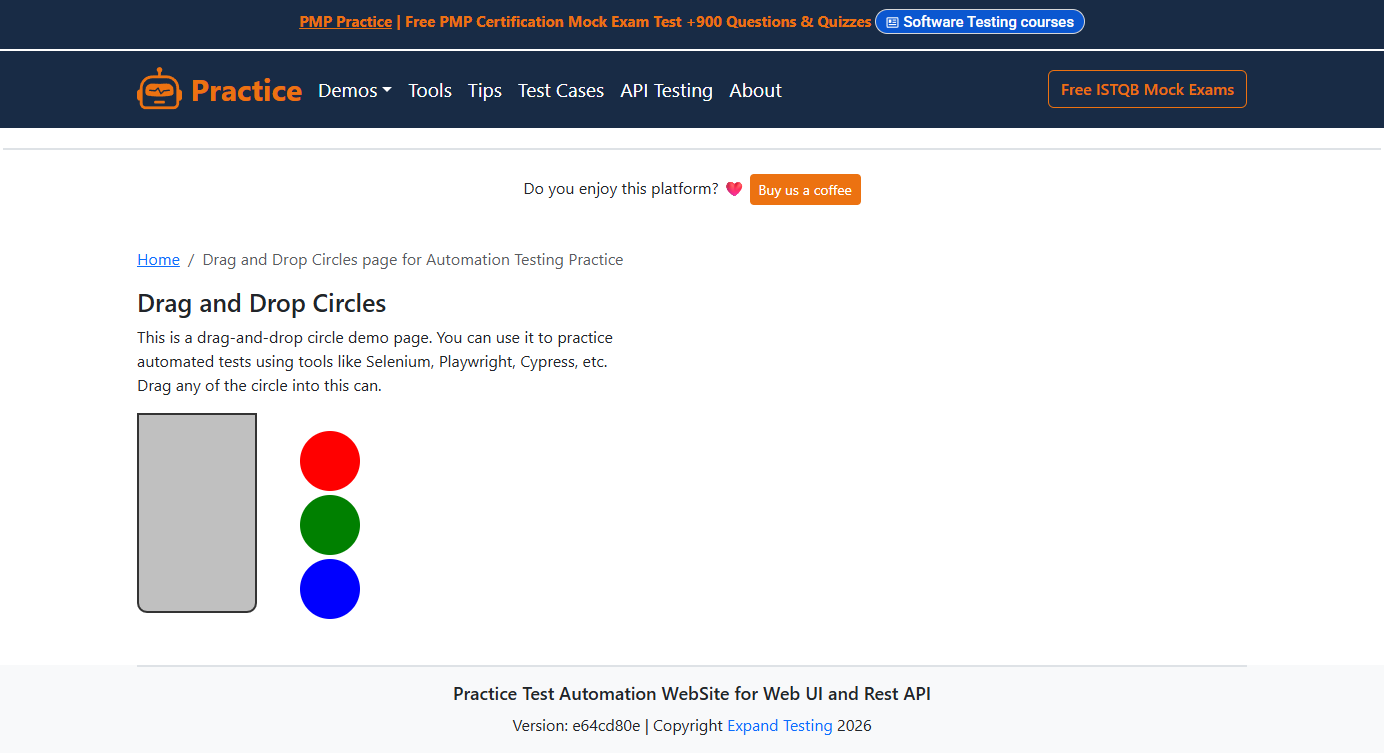
- Column swap — the page swaps content via JS event handlers
- Circle move — the page relocates DOM nodes via
appendChild
The YAML
# locators/DragDropPage.yaml (excerpt)
SpalteA:
  class: okw_web_selenium.widgets.webse_label.WebSe_Label
  locator: { id: column-a }

SpalteB:
  class: okw_web_selenium.widgets.webse_label.WebSe_Label
  locator: { id: column-b }
Standard widgets, no special drag classes. The base class gives every widget drag capability.
Runnable Examples
| Example | File |
|---|---|
| Column swap | selenium/expandtesting/tests/DragDrop.robot |
| Circle move | selenium/expandtesting/tests/DragDropCircles.robot |